AI alt text for a catalogue of 90,000 product photos
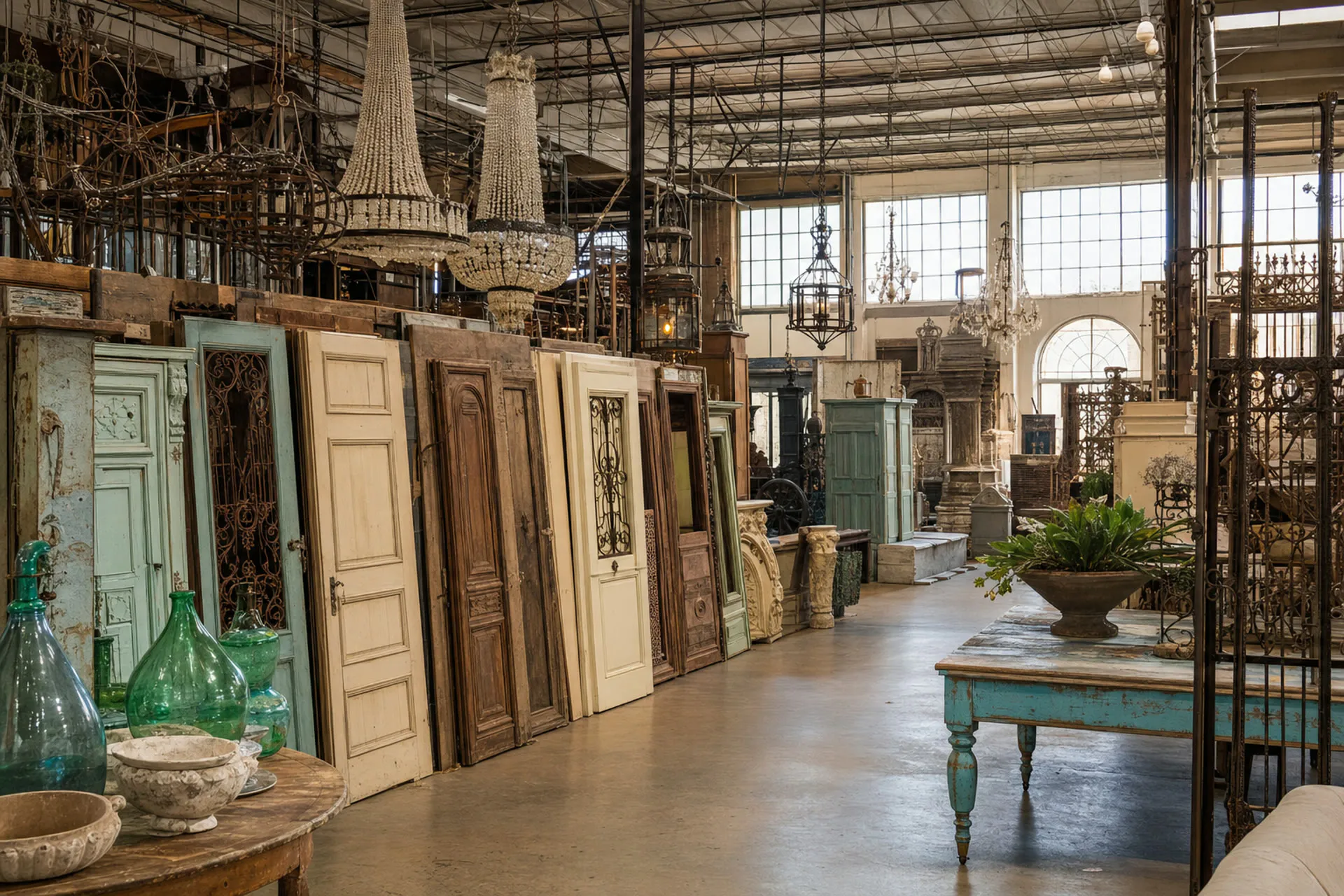
A US store for antiques and architectural salvage had less than a year to make its site accessible. Every product photo needed alt text, and the tools they tried brought the site down. We built an AI pipeline on Make that describes each photo with the product's own details, and then writes the text straight into WordPress.
All case studies- Client
- a US online store for antiques and architectural salvage, on WordPress and WooCommerce
- Service
- AI automation
- Built on
- Make (in the client's own account), OpenAI GPT-4o mini with vision, Google Sheets, WordPress and WooCommerce REST APIs
- Scale
- about 12,000 products in stock, about 90,000 images, new items every week
- Timeline
- phase one in about two weeks in May 2026, phase two in June 2026
The situation
Accessibility rules need a text description for every image. For a store with about 90,000 product photos, writing them by hand is not an option.
The owner had already tried plugins and services. They started bringing the site down after a dozen or so tags, with memory use spiking on the server.
So he generated texts outside the site and imported them back by hand. In his words, "a long procedure, a lot of work". And the deadline was less than a year away.

Phase one: a pipeline in the client's own Make
The owner already had a Google Sheet of products and his own prompt. We built on that instead of starting over.
Every 15 minutes the scenario takes 50 products that are not done yet. It sends each photo to the model separately, together with the product's name, description and attributes: period, style, finish, material, colour.
The model writes one sentence per photo: only what is visible, one visible detail, no marketing words, up to 180 characters, following WCAG 1.1.1.
Up to 16 photos per product get their own text. The status and any error are written next to each row, so the next run continues where the last one stopped.
One photo at a time beats all at once
Our first version sent all of a product's photos to the model in one request. It was cheaper, but the texts were worse.
We rebuilt it to describe one photo per call. The cheaper version stays in the account, switched off, in case cost ever matters more than quality.
Built for the people who run the store
The scenario lives in the client's own Make account, not on our servers. The model, the prompt and the sheet are settings, so they can change them without rebuilding anything.
We tested on 500 real rows before the full run. Then we wrote a plain-language guide for the team: how to switch it on and off, what to check once a month, what to do if a run fails.
Phase two: straight into WordPress
The sheet and the manual import were the last manual step. In phase two the pipeline talks to the site directly.
Every few minutes it finds product photos without alt text in the media library, writes the text and saves it back. The owner uploads a photo, and a few minutes later its alt text is in place.
It takes only product images, through the WooCommerce API, so blog images stay untouched. A photo used in several products is processed once. Access goes through WordPress's own application passwords.
We deliberately skipped the off-the-shelf connector plugin: it is known for running out of memory on large sites, the exact problem that started this project.
Phase two passed testing in June 2026.


A large catalogue that needs descriptions, tags or translations?
We start with a fixed-price pilot from $1,000 on a sample of your real products.
Book a call about your processA large catalogue that needs descriptions, tags or translations?
Tell us in two lines. We'll reply with how an agent would take it over and what the first step would cost.
- A fixed-price first step, from $1,000
- Half at the start, half after we check it on your data
- NDA on request
- [email protected]Vitaliy, CEO
- Vesivärava tn 50-201, 10152 Tallinn, EstoniaHead and development office